
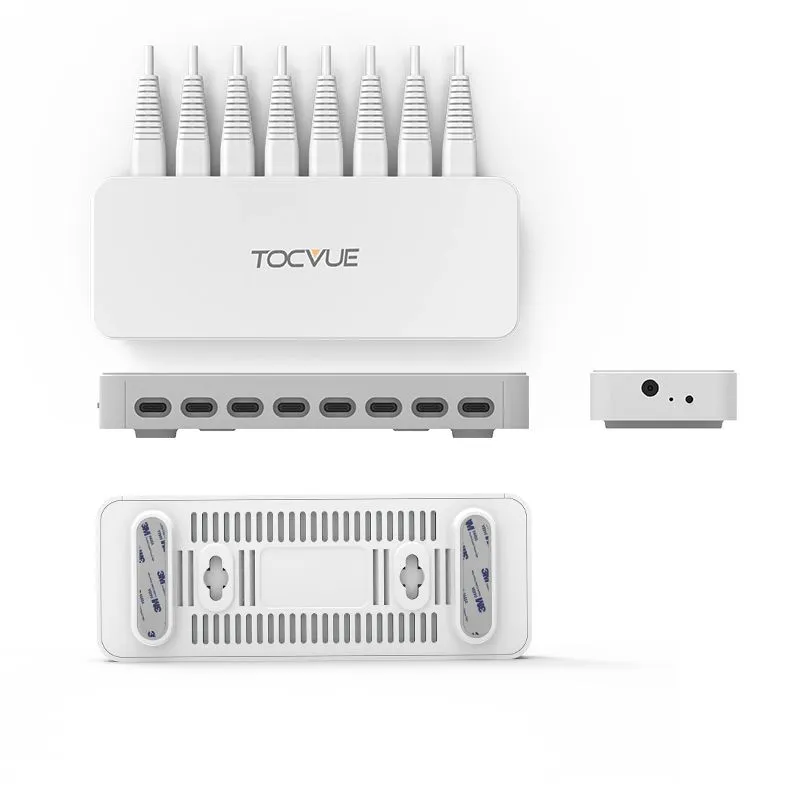
“Wired” and “wireless” describe different connection or control arrangements, but product designs vary. Some systems combine a wired stand-to-controller connection with wireless remote control. Compare the exact models and installation requirements rather than assuming every product follows the same architecture.
Compare the Requirements That Matter
| Consideration | Wired option | Wireless option |
|---|---|---|
| Power and connections | Confirm cable, power-source and controller requirements for the model | Confirm battery, charging and receiver requirements for the model |
| Alarm and controls | Confirm how the stand connects to a controller and how it is armed | Confirm compatible remotes, receivers and alarm behavior |
| Installation | Plan cable routing, fixture access and installation responsibilities | Check radio conditions, pairing steps and any receiver placement |
| Layout changes | Consider how fixed cable routes affect repositioning | Confirm placement limits and retesting needs after moving equipment |
| Cost | Compare model price plus cabling, controllers and installation | Compare model price plus batteries, charging and any receiver |
When a Wired Configuration May Fit
A wired configuration may suit a stable counter where power and cable routing are available and installation can be planned. Confirm cable reach, connector compatibility, controller requirements, device charging and how staff will service the fixture.
When a Wireless Configuration May Fit
A wireless configuration may suit a layout that changes or where a cable route is difficult. Confirm the exact product’s power arrangement, remote or receiver compatibility, operating environment and any placement restrictions. Test the system in the intended store setting.
Compare Hybrid Systems Carefully
A system may use cables between stands and a controller while using a wireless remote for operation. Confirm which parts are connected, how many compatible devices a controller supports, what is included in the quotation and how a failure or disconnection is indicated.
Build a Like-for-Like Quotation
Request quotations for the same device count, alarm behavior, charging requirements, fixtures, destination and support scope. Include hardware, controllers or receivers, cables, installation, spares and any replacement power components. Do not assume a standard percentage saving for either architecture.
Questions Before Selecting a Model
- Which exact stand, cable, controller, remote and power accessories are included?
- Which phones or other devices are supported, and what charging method is provided?
- How are alarm triggers, arming and daily device removal handled?
- What placement, cabling and radio tests should be completed on site?
- Which warranty, delivery and after-sales terms are stated in writing?
Use current model documentation and a project-specific quotation. Connection type alone does not establish security level, reliability or total cost.
Planning a Retail Security Display?
Share your device, fixture and operating requirements to discuss product fit and quotation scope.
Request Project Quote