
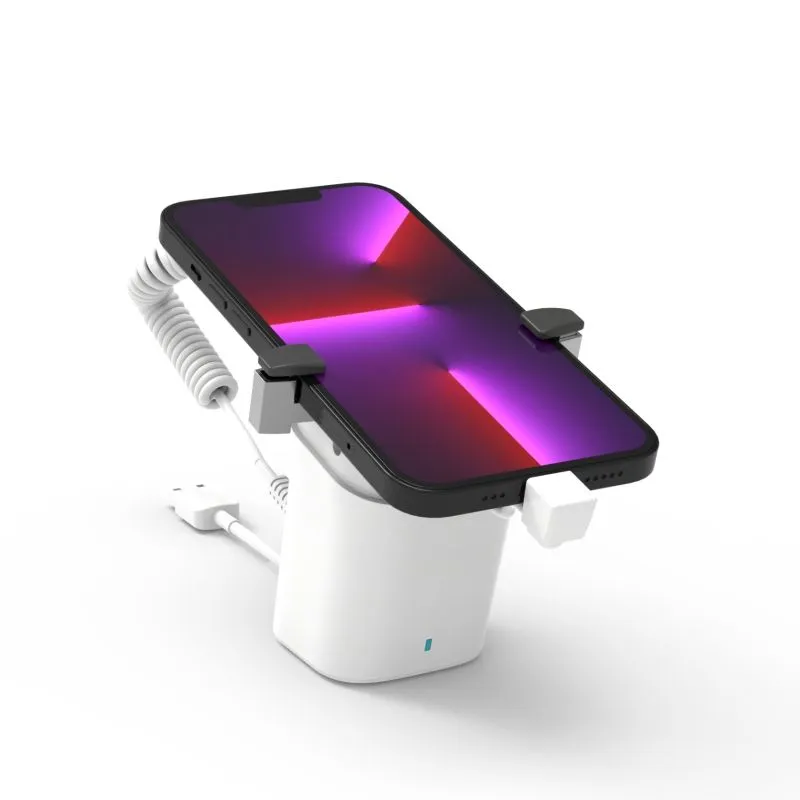
For retail chains and brands that want consistency across their stores, off-the-shelf security display stands often fall short. The standard black or white model from a generic supplier may work functionally, but it doesn't reflect the store's brand identity or meet specific operational requirements.
This is where OEM (Original Equipment Manufacturing) and ODM (Original Design Manufacturing) come in.
Understanding the Difference
| OEM | ODM |
|---|
Most retailers don't need full OEM. ODM — taking an existing product and adding your brand colors, logo, and packaging — covers 80% of customization needs at 30-50% lower cost than full OEM.
When Customization Makes Sense
Brand Consistency Across Stores
If your stores follow a specific design language — certain colors, materials, visual guidelines — your display security should match. A generic alarm stand looks out of place in a premium-branded environment.
Customization needed: Colors matched to brand palette, logo on the stand housing or base, cohesive packaging in store rooms.
Example: A premium electronics retailer uses matte black and copper accents throughout their stores. Standard white alarm stands would clash. ODM stands in matte black with a subtle brand mark blend in seamlessly.
Specific Device Requirements
Standard clamps and grips don't fit every device:
- Unusually thick or thin devices
- Devices with unique charging port locations
- Products with special mounting requirements
- Non-standard device shapes (foldables, dual-screen devices)
Customization needed: Custom clamp sizes, adjustable grip arms, repositioned cable exits.
Example: A retailer primarily selling ruggedized tablets needs wider clamps than standard phone stands provide. OEM-specific grips solve this.
Multi-Brand Environments
Store-in-store concepts or shared retail spaces need displays that fit specific brand guidelines without looking generic.
Customization needed: Clear branding differentiation between departments or brand zones.
Specialized Security Requirements
Some retailers face unique threat profiles:
- High-risk urban locations needing reinforced cables
- Products requiring multiple security layers
- Integration with existing alarm networks
Customization needed: Heavier-duty cables, dual-alarm triggers, custom integration connectors.
The Customization Process
Phase 1: Requirements Definition (2-4 weeks)
Start by documenting exactly what you need:
```
□ Product form factor to be used
□ Device dimensions (width, depth, thickness)
□ Charging requirements (cable type, power)
□ Brand colors (Pantone codes if available)
□ Logo placement and format (vector file)
□ Packaging requirements (retail vs bulk)
□ Desired MOQ and lead time
□ Budget per unit
```
The more specific you are, the fewer rounds of revisions needed.
Phase 2: Supplier Selection (2-3 weeks)
Not all manufacturers handle customization well. When evaluating:
| Capability | Red Flags | Green Flags |
|---|---|---|
| Previous OEM/ODM work | "We haven't done custom work" | Portfolio of 10+ custom projects |
| Design support | "Send us your file and we'll quote" | In-house design team for revisions |
| Sample turnaround | 8+ weeks for first sample | 2-4 weeks for first sample |
| Communication | Vague about process | Clear step-by-step methodology |
Phase 3: Sampling (3-6 weeks)
Always get physical samples before committing to production:
Round 1: Visual sample (check color matching, logo placement, overall appearance)
Round 2: Functional sample (test alarm, cable, charging, fit with actual device)
Round 3: Pre-production sample (verify mass-production quality)
Advice: Include 1-2 extra rounds in your timeline. Few customization projects go through sampling without at least one revision.
Phase 4: Production (3-6 weeks)
Factors affecting lead time:
- MOQ: Larger orders = longer lead time (more material procurement needed)
- Complexity: Simple color change is fast; new mold tooling is slow (4-6 weeks just for tooling)
- Season: Chinese New Year (Jan-Feb) adds 3-4 weeks to every timeline
- Shipping: Sea freight adds 20-40 days vs. air freight
Cost Impact of Customization
Typical Premiums Over Standard Products
| Customization Level | Price Premium | Example |
|---|---|---|
| Standard (no customization) | 0% | Generic black/white |
| Brand logo only | 3-8% | Logo pad-printed or embossed |
| Color change + logo | 8-15% | Full color matching + branding |
| ODM (minor design changes) | 15-30% | Custom clamp size + branding |
| Full OEM (new design) | 30-100% | Entirely new form factor |
What You're Paying For
Using a $20 standard unit as baseline, a full OEM order of 500 units might break down as:
| Component | Cost per Unit |
|---|---|
| Base manufacturing | $20 |
| Color customization | $2 |
| Logo application | $1 |
| Tooling amortization ($5,000 / 500) | $10 |
| Design/engineering (one-time) | $5 |
| Additional QC for custom work | $2 |
Note: Tooling cost is one-time. Re-orders at 500 units would cost ~$30/unit (tooling already paid).
Common Mistakes and How to Avoid Them
Mistake 1: Over-Customizing
The problem: Requesting 15 different customizations when 3-4 would achieve the goal.
The cost: Each customization adds complexity, cost, and potential quality issues.
Fix: Prioritize. Label each request as "must-have" vs. "nice-to-have." Only produce must-haves in the first run.
Mistake 2: Skipping Functional Testing
The problem: Approving samples based on appearance only, then discovering functional issues in production.
The cost: 500 units of non-functional display stands.
Fix: Test every sample with your actual device for at least a week. Trigger the alarm. Charge the device. Flex the cable 100+ times.
Mistake 3: Unclear Specifications
The problem: "Make it similar to this photo" leads to misunderstandings.
The cost: 2+ extra sampling rounds.
Fix: Provide CAD drawings, Pantone colors, precise measurements, and written specifications. Visual references alone are not enough.
Mistake 4: Ignoring Minimum Order Quantities
The problem: Committing to 1,000 units without testing demand, then storing 800 unused stands.
The cost: Tied-up capital and warehousing costs.
Fix: Start with an ODM approach (lower MOQ) and scale to full OEM after validation.
Make vs. Buy Decision Framework
| Question | If Yes → | If No → |
|---|---|---|
| Do you have 50+ display points? | Consider ODM | Buy standard |
| Is store brand consistency a priority? | Consider ODM | Buy standard |
| Do you have unique device requirements? | OEM may be needed | ODM or standard works |
| Can you commit to 500+ units? | OEM is viable | Start with ODM |
| Is this a one-time project? | Buy standard | Customize for ongoing use |
Final Advice
OEM and ODM customization can transform retail security from a functional necessity into a brand asset. But it only makes financial sense when the deployment is large enough to absorb the additional costs.
Our rule of thumb: If you're deploying fewer than 50 display points, buy standard products. At 50-200 points, explore ODM. At 200+ points, full OEM becomes economical.
Most importantly: prototype before you commit. A $500-1,000 investment in samples and functional testing can save you $10,000+ in production mistakes.
About the author: This guide was compiled based on OEM/ODM project experience with retail security display products for chain retailers across 50+ countries.
Need a Retail Security Solution?
Get a free consultation and custom recommendation for your store. Factory-direct pricing, global shipping.
Request Free Assessment