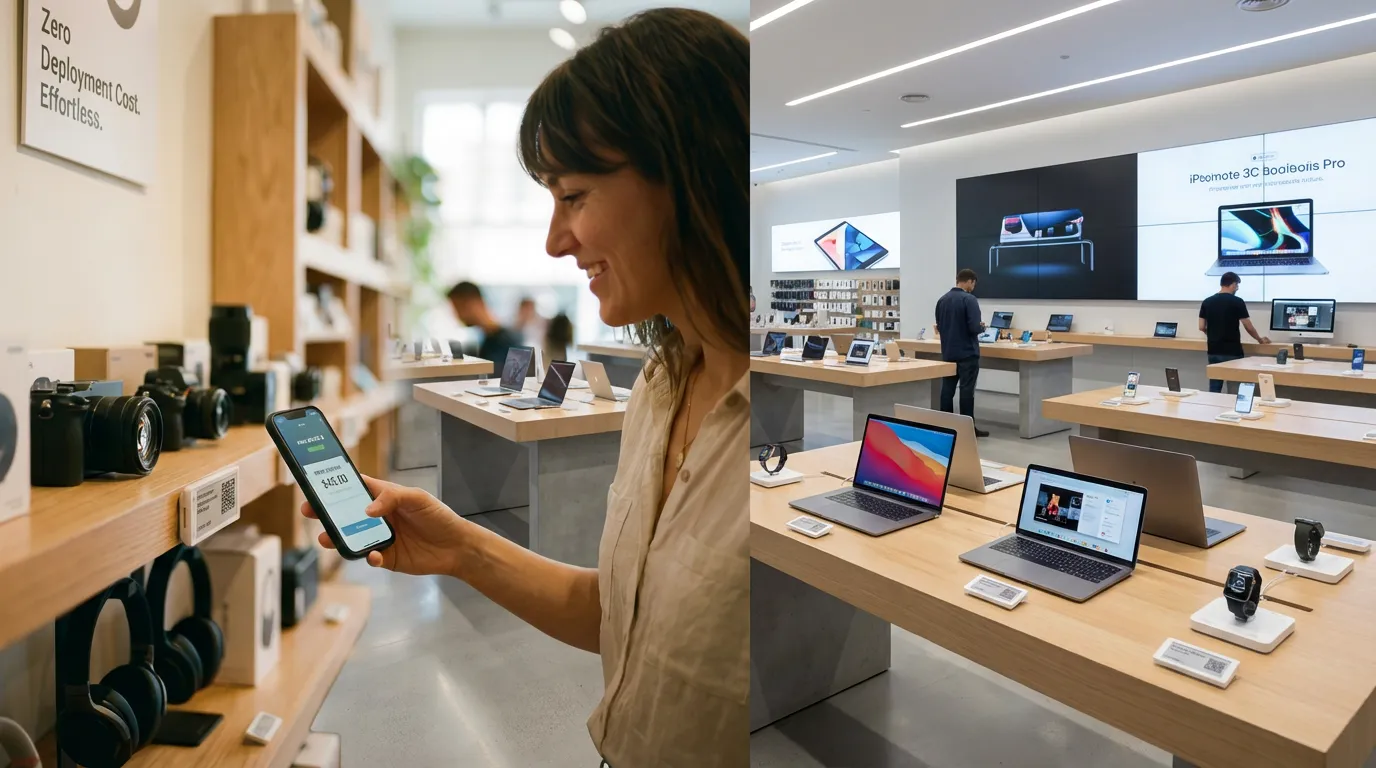
1. What Are Electronic Shelf Labels?
Electronic shelf labels (ESLs) are e-ink displays used to show price and product information at a retail shelf. A complete deployment also needs a compatible update workflow, software and a process for keeping shelf data aligned with the retailer’s source systems.
2. What Should an ESL Project Improve?
Start by measuring the current process rather than assuming a fixed saving. Record how staff prepare, print, place and verify paper labels, how often prices change, which systems provide the price data, and how exceptions are handled.
| Area | Measure in the current process | Validate in an ESL evaluation |
|---|---|---|
| Label changes | Staff time, steps and frequency | Supported update workflow and observed time |
| Price consistency | Current checking and correction process | Source-data, transmission and exception handling |
| System integration | POS, ERP and inventory data sources | Integration scope confirmed for the selected software |
3. BLE vs SLIM 2.4 GHz
BLE: the basic Tocvue workflow uses a compatible phone app and does not require an access point. Confirm the exact label model, app compatibility and any additional software or integration requirements.
SLIM 2.4 GHz: the centralized workflow uses a compatible CEDAR V3 AP. Confirm site coverage, AP placement, label quantity, network and integration requirements against the selected models and store layout.
Do not assume the two workflows share an app, gateway, update speed, range or management features. Verify each required function during a model-specific evaluation.
4. Compare Exact Label Models
Choose by product dimensions, viewing distance, shelf layout, required display content and operating environment. These linked pages describe selected SLIM models; verify current specifications and availability in the quotation.
- 1.54-inch: SLIM-154BWRY — 200 × 200 resolution
- 2.13-inch: SLIM-213BWRY — 250 × 128 resolution
- 2.66-inch: SLIM-266BWRY — 296 × 152 resolution
- 2.9-inch: SLIM-290BWRY — 296 × 128 resolution
- 4.2-inch: SLIM-420BWRY — 400 × 300 resolution
- 7.5-inch: SLIM-750BWRY — 800 × 480 resolution
5. Plan the Communication Setup
The CEDAR V3 AP is used with compatible SLIM 2.4 GHz labels. BLE’s basic phone-app workflow does not require an access point. Range, AP count, throughput and update behavior depend on the exact model, environment and system configuration; request a site-specific review and verify performance during evaluation.
6. Build a Store-Specific Cost Model
Use current written quotations and measured operating data. Compare the same stores, label quantities and time horizon, and include hardware, infrastructure, software, integration, installation, support, consumables, labor and model-specific replacement assumptions. Calculate payback only from those inputs; there is no universal ESL ROI figure.
7. Evaluation and Deployment Checklist
- List the stores, shelves, categories, label quantities and display needs in scope.
- Choose candidate models and confirm their current specifications and availability.
- Confirm BLE phone-app or SLIM 2.4 GHz / CEDAR V3 AP workflow.
- Document POS, ERP or inventory data requirements and ask what integration scope is available.
- Confirm AP, network, software access, installation, training and support responsibilities.
- Evaluate a representative configuration if available; record update behavior and exceptions.
- Use the written quotation and measured pilot data to decide whether to expand.
8. How to Evaluate an ESL Supplier
Ask for the exact model datasheets, system workflow, software and integration scope, sample or pilot availability, written price assumptions, delivery timing, warranty terms and support responsibilities. Confirm which claims apply to the specific model and configuration rather than relying on general category statements.
9. Ask About an ESL Evaluation Kit
Ask Tocvue whether an evaluation kit is available for the selected model and workflow. Confirm the kit contents, access-point or phone-app requirements, software access, price, shipping and schedule in the written quotation.
Discuss Your ESL Requirements
Share your store scope, model requirements and existing data workflow so Tocvue can confirm applicable product and quotation details.
Email: sales@tocvue.com