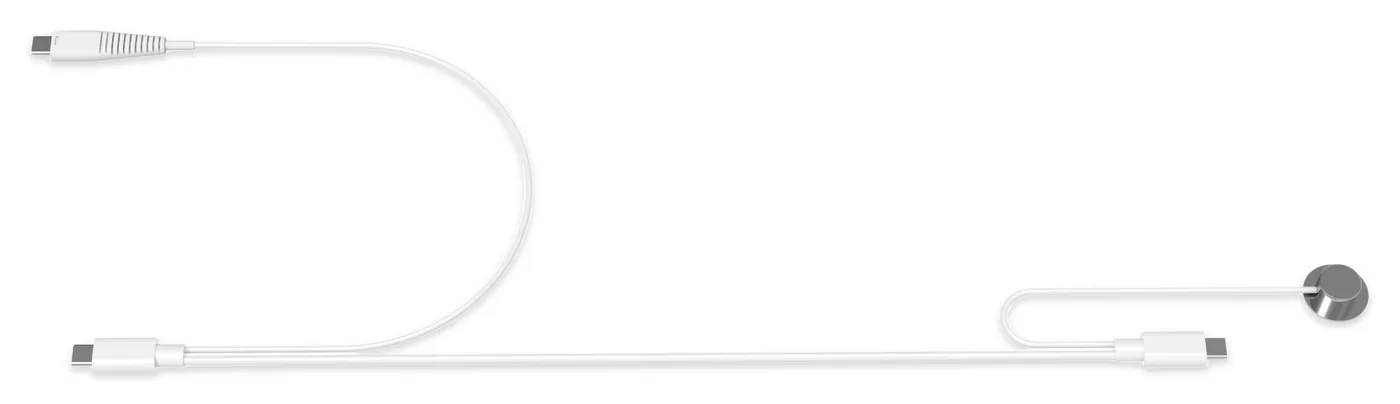
01 Charging + security
Power and protection in one cable
Power flows from the PD adapter to the device USB-C port. The contact sensor links to the S-Series alarm on its own circuit.

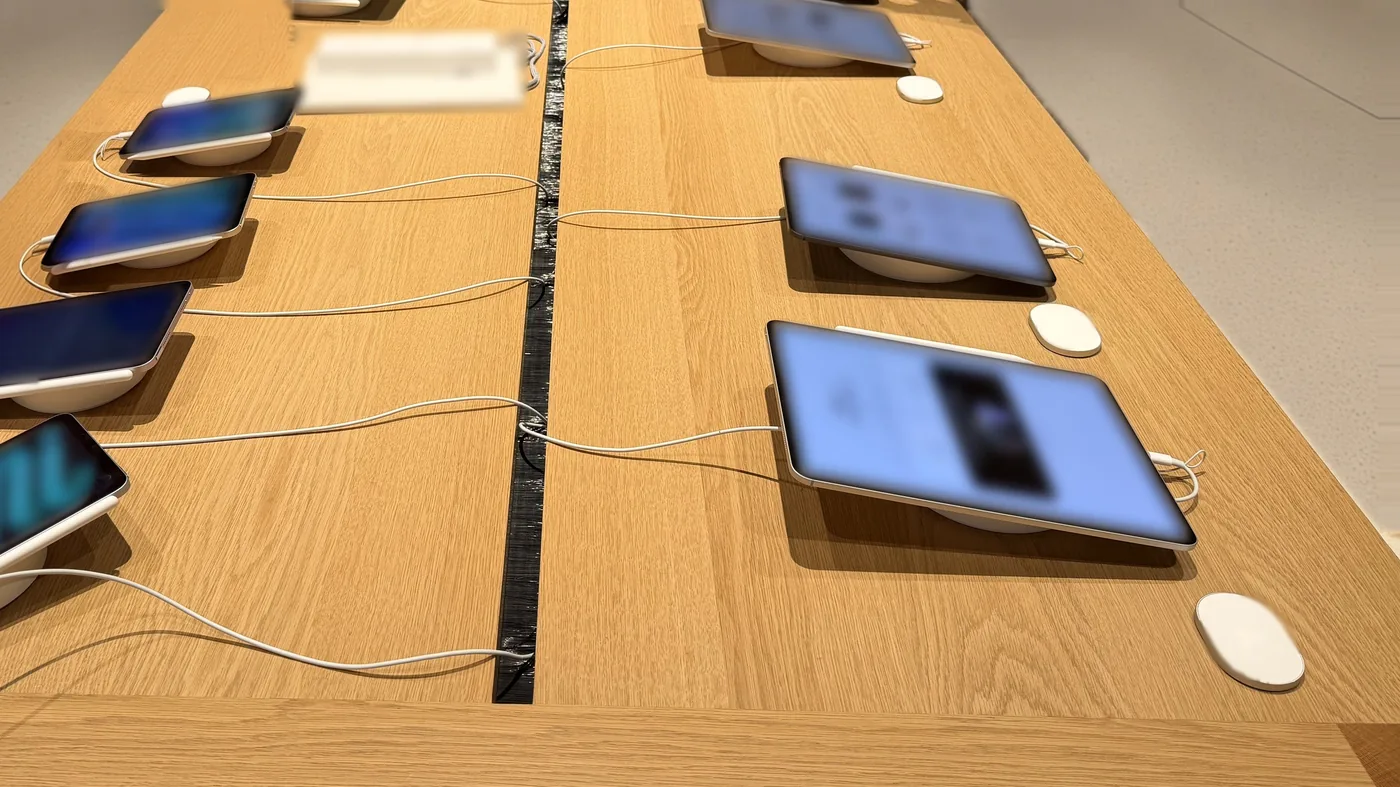
Recreate an Apple Store-style display experience
A complete retail display solution for USB-C iPad, MacBook and AirPods Max: the SC09_AP security charging cable, the S-Series multi-port alarm and a PD power adapter, plus optional tablet bases and headphone holders. Devices stay charged and secured for hands-on demos.
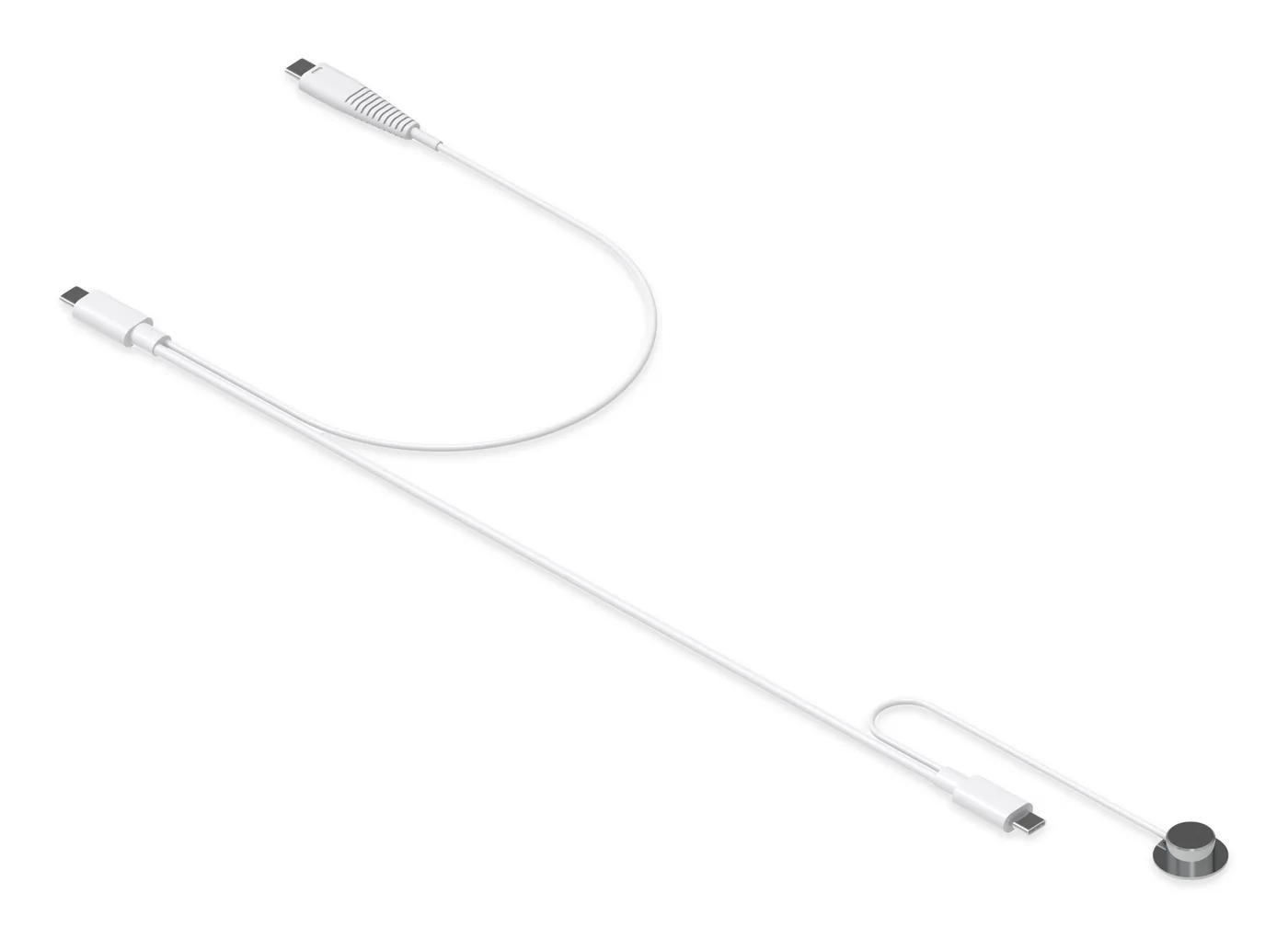
The Tocvue SC09_AP display solution is an anti-theft charging system for USB-C iPad, MacBook and AirPods Max demo units in retail stores. One SC09_AP cable keeps the device charged from a USB-C PD power adapter while a separate contact-sensor security circuit links it to an S-Series multi-port alarm (S400, S600 or S800, one port per device). If the round contact sensor is detached or the security cable is cut, the connected S-Series alarm sounds at 100 dB; staff disarm it with the K9015 remote.
Total length from the device-end USB-C to the PD end.
Splits off near the PD end and plugs into the S-Series alarm.
Ends in a round contact sensor on the device back.
Charging and a separate contact-sensor security circuit in one cable assembly.
One alarm port per device; 100 dB alarm output.
35W USB-C PD by default; original Apple USB-C PD adapters supported, up to Apple 96W for MacBook (tested).
Optional tablet bases and headphone holders.
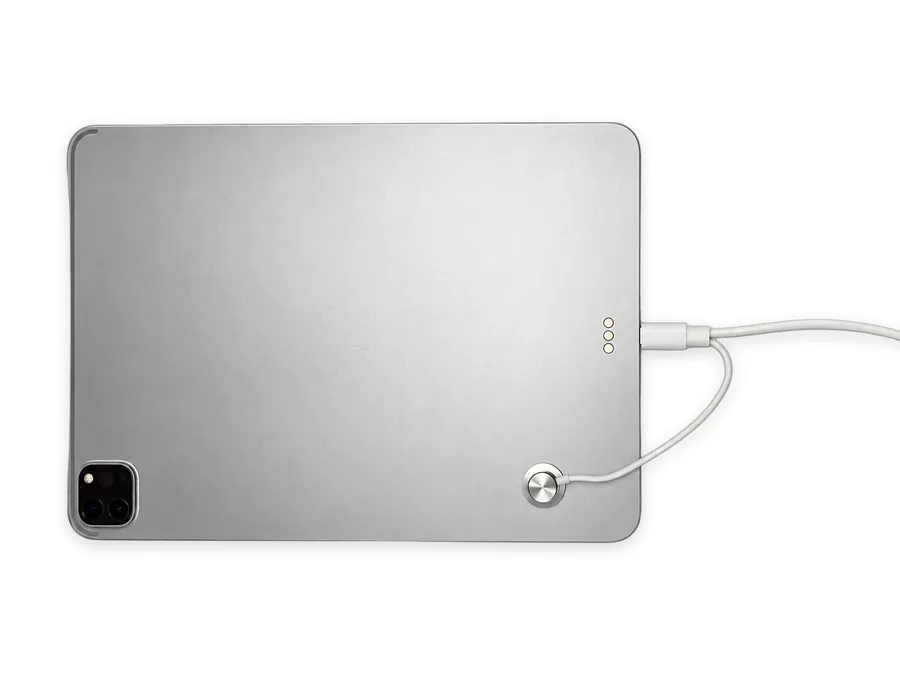
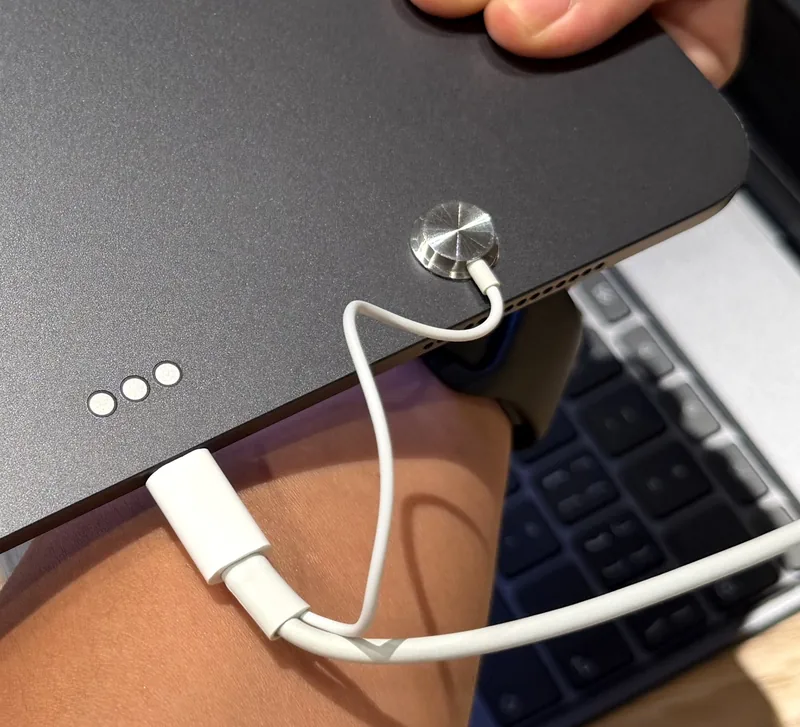
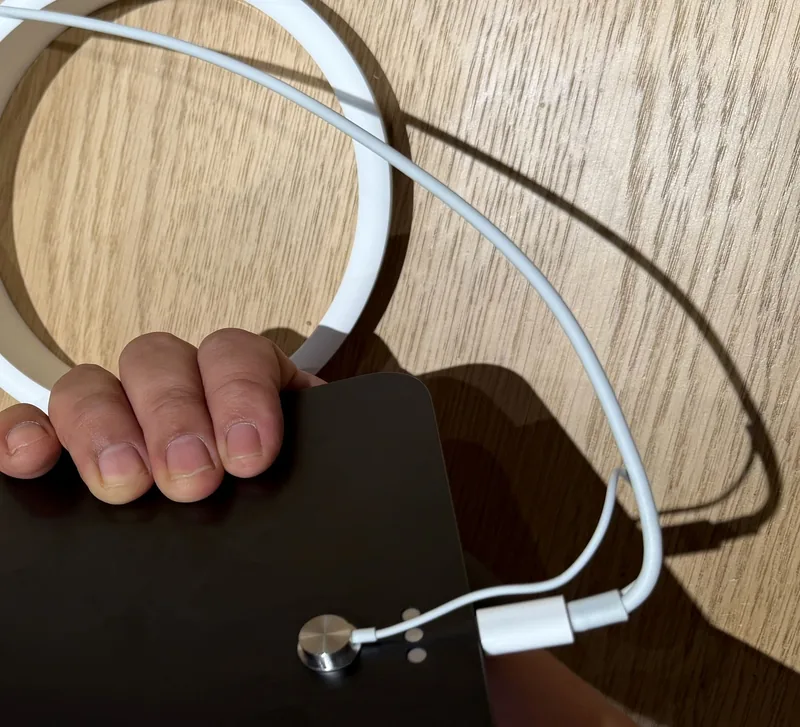
Contact sensor on the back; device-end USB-C in the charging port.
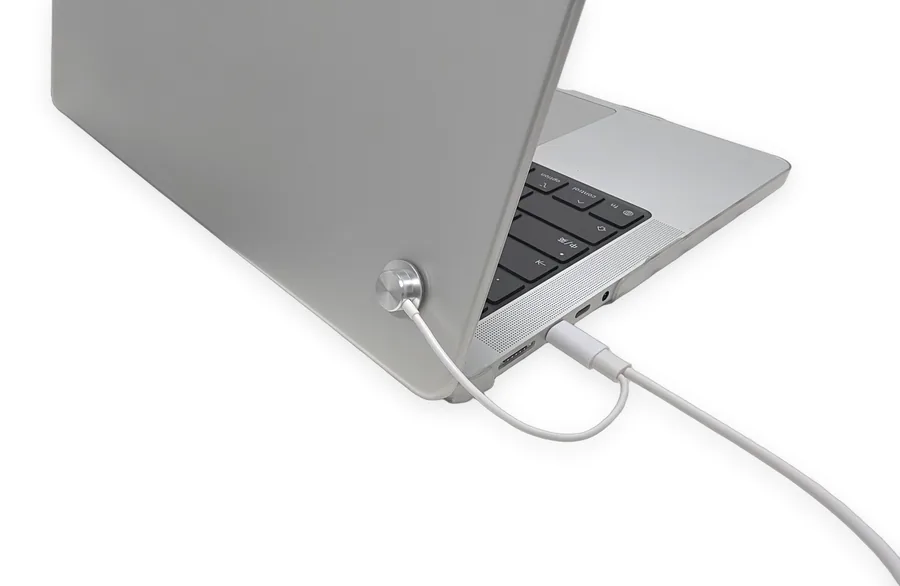
Contact sensor on the lid back; device-end USB-C in the charging port.
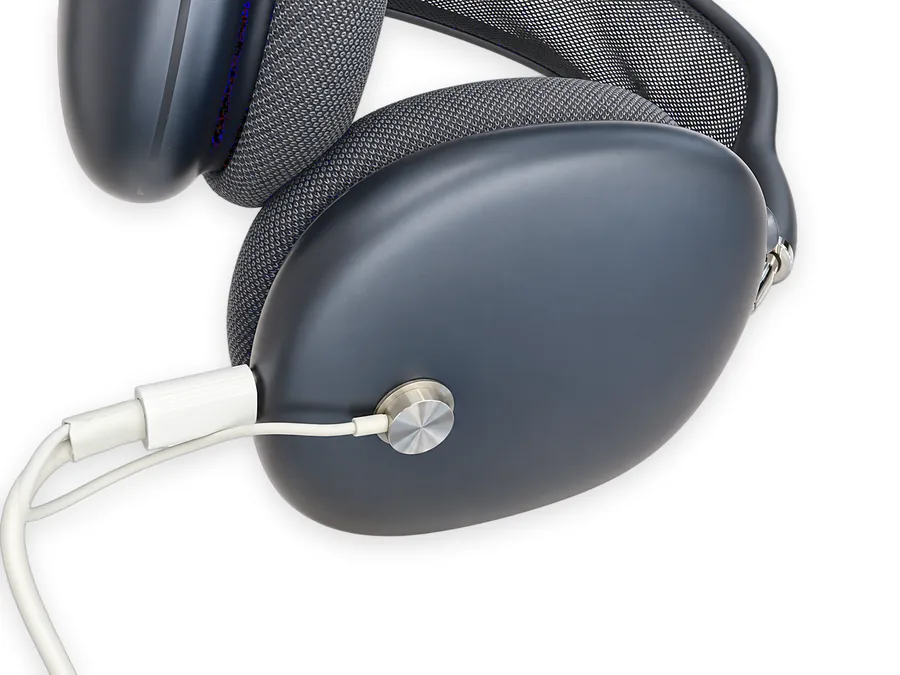
Contact sensor on the outer ear cup; USB-C in the headphone port.
Keep the display device charged while a separate contact-sensor circuit links it to the S-Series alarm. Charging does not affect the alarm.
Power flows from the PD adapter to the device USB-C port. The contact sensor links to the S-Series alarm on its own circuit.
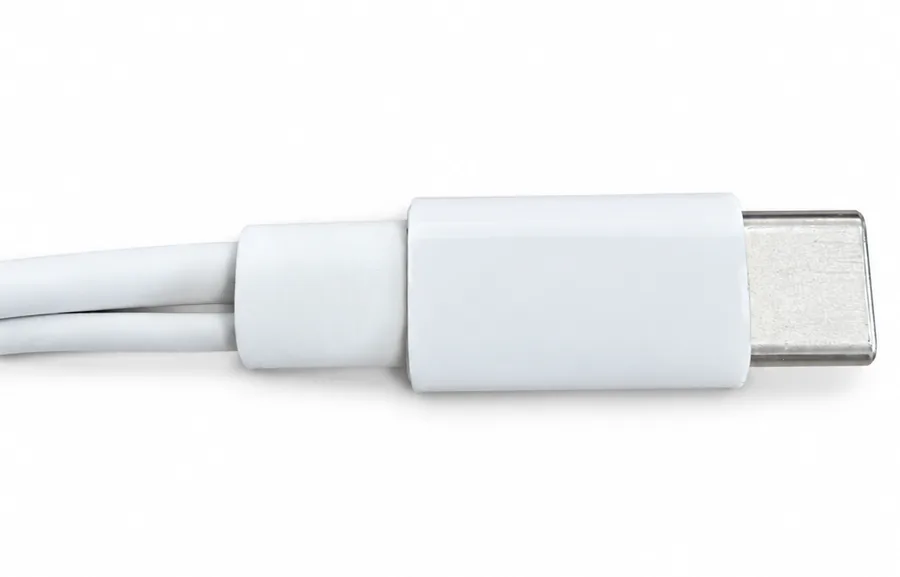
The device-end USB-C plugs into the charging port of iPad, MacBook or AirPods Max, so the unit stays powered during demos.
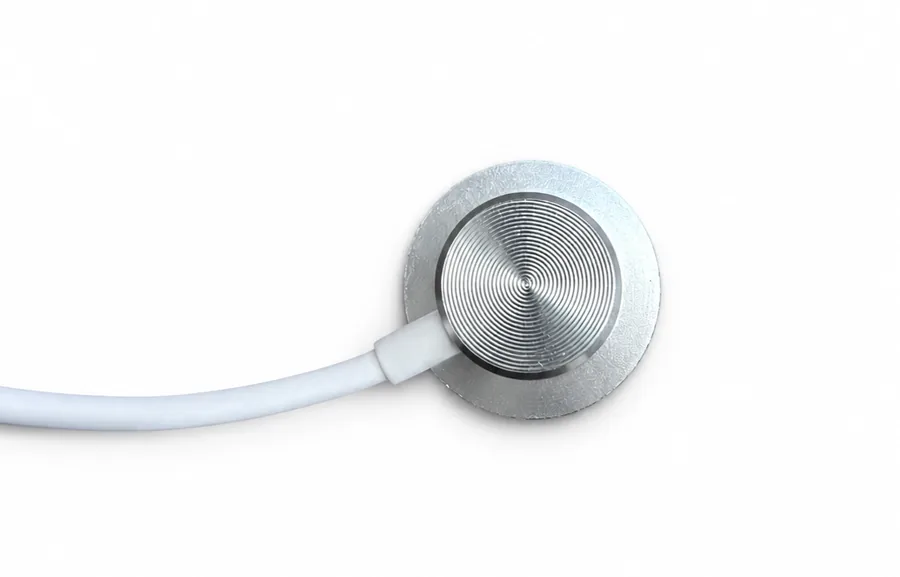
On an approx. 13 cm lead, the round sensor attaches to the back of iPad / MacBook or to the AirPods Max outer ear cup.
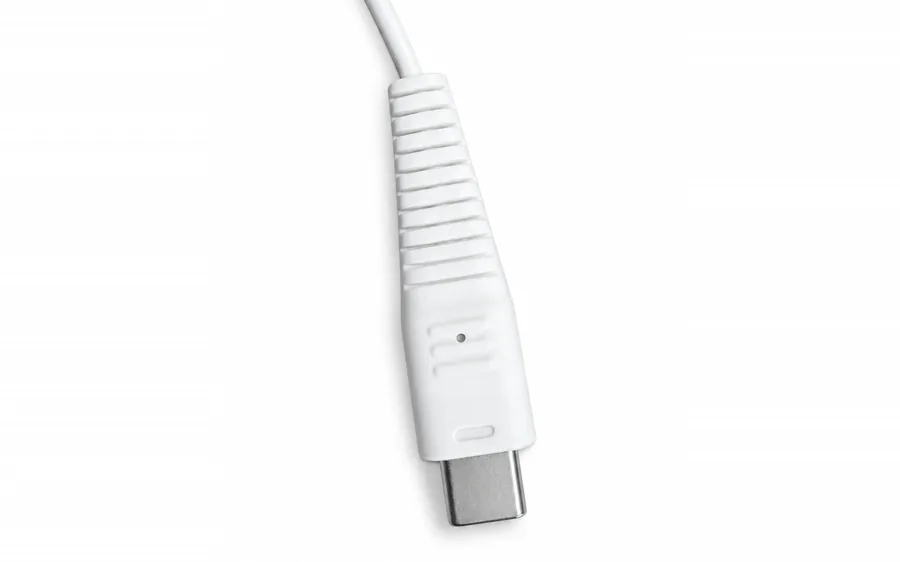
The approx. 70 cm alarm branch ends in a custom-shaped, ribbed USB-C security plug for the S-Series multi-port alarm.
One SC09_AP cable links the display device, the S-Series alarm and the PD adapter through four connection points: the security plug, the PD-end USB-C, the contact sensor and the device-end USB-C.
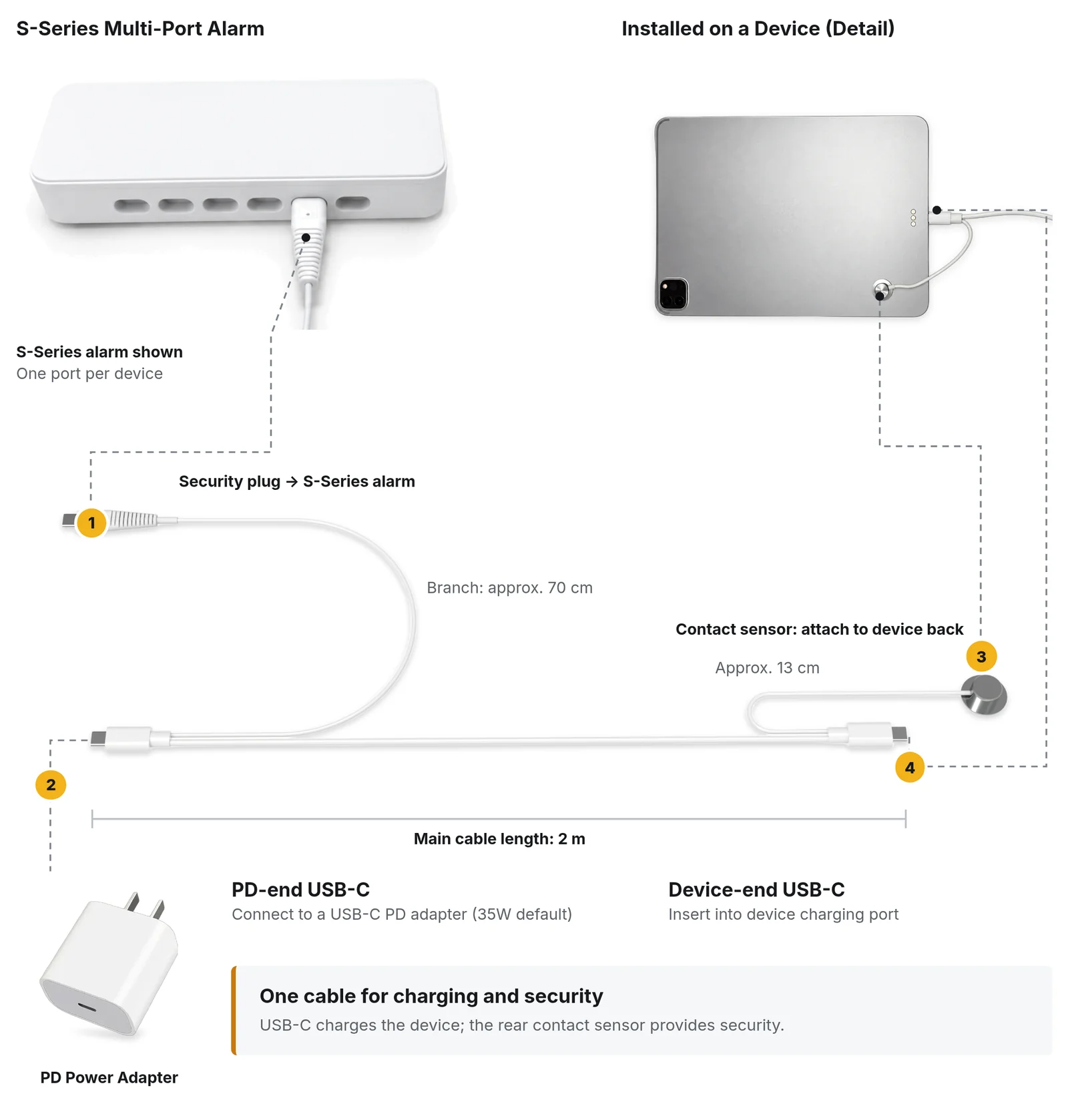
Branch: approx. 70 cm. One port per device on the S-Series multi-port alarm.
Connect to a USB-C PD adapter (35W default).
Attach to device back. Approx. 13 cm lead.
Insert into device charging port.
USB-C charges the device; the rear contact sensor provides security. Main cable length: 2 m.
Recreate an Apple Store-style display experience: devices tethered by a round contact sensor and a slim charging cable, ready for hands-on demos.
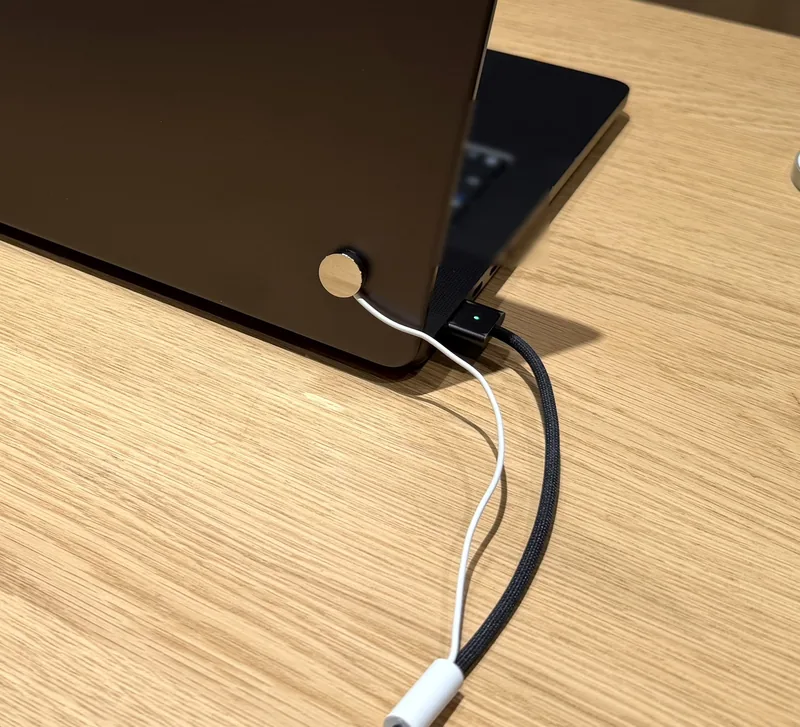
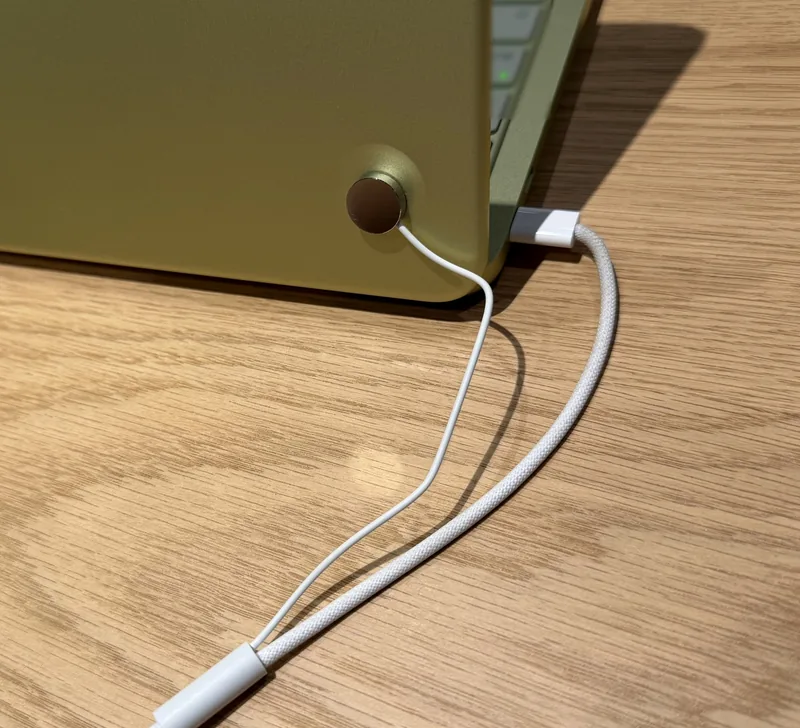
Apple, Apple Store, iPad, MacBook and AirPods Max are trademarks of Apple Inc. Tocvue is not affiliated with Apple Inc.
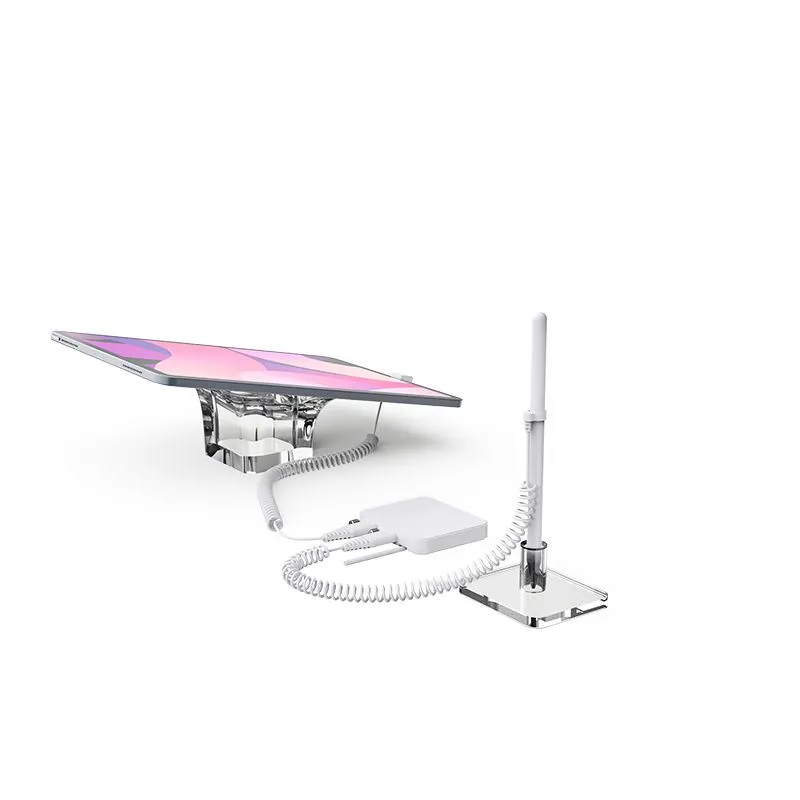
The display solution combines the SC09_AP cable, the S-Series multi-port alarm and a PD power adapter, with optional display supports.
| Model | SC09_AP |
|---|---|
| Type | Anti-theft USB-C charging cable |
| Main cable | 2 m total length |
| Alarm branch | Approx. 70 cm, splits off near the PD end |
| Sensor lead | Approx. 13 cm |
| Sensor | Round contact sensor |
| Device end | USB-C |
| PD end | USB-C, to a USB-C PD power adapter |
| Security plug | Custom-shaped USB-C plug, to the S-Series alarm |
| Circuits | Charging + separate contact-sensor security circuit in one cable; work independently |
| Applications | iPad / MacBook / AirPods Max (USB-C) |
| Alarm host | S-Series multi-port alarm, one port per device |
| Power | USB-C PD adapter required. Tocvue supplies a 35W USB-C PD adapter by default; original Apple USB-C PD adapters are also supported, up to the Apple 96W adapter for MacBook (tested). |
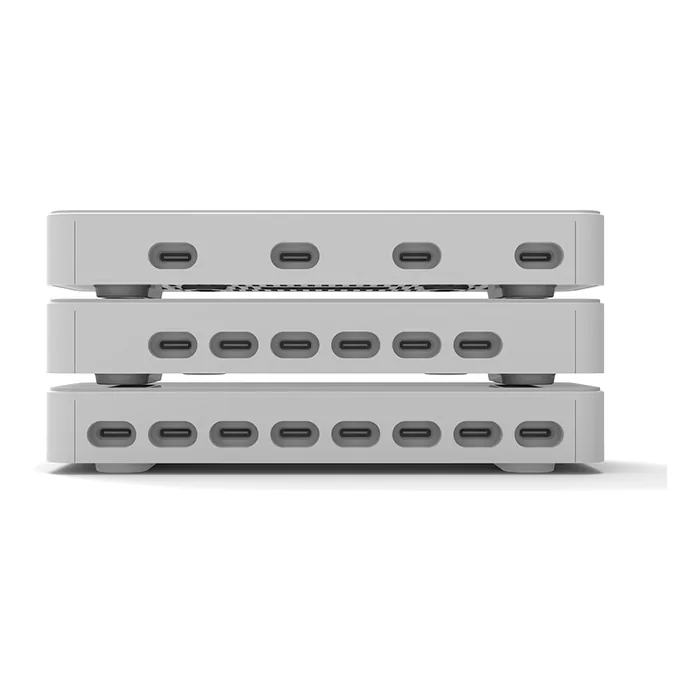
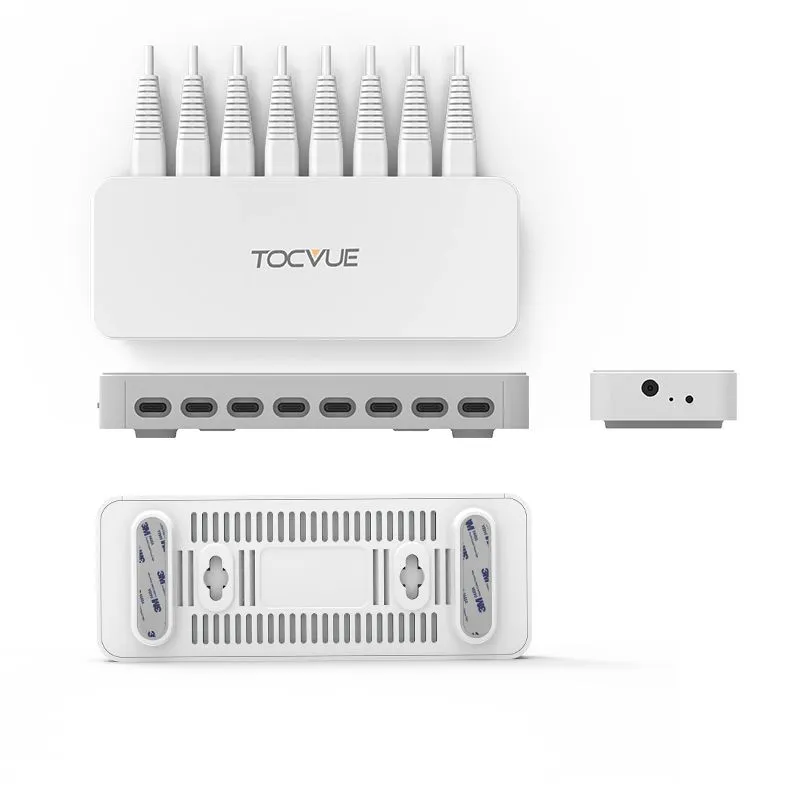
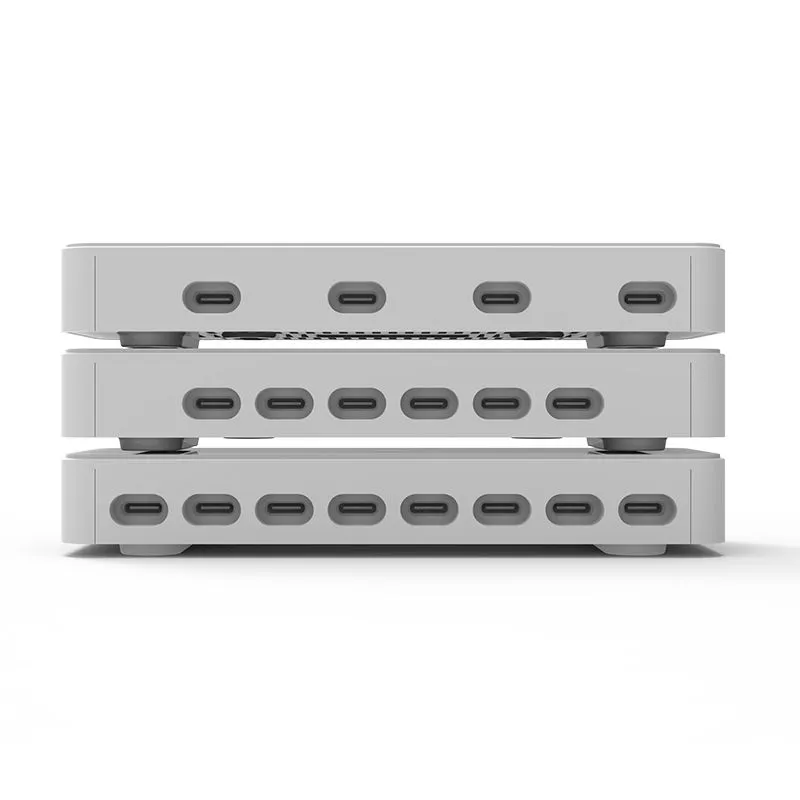
One port per device, up to 8 devices. 100 dB alarm output. The alarm host needs a separate power supply.
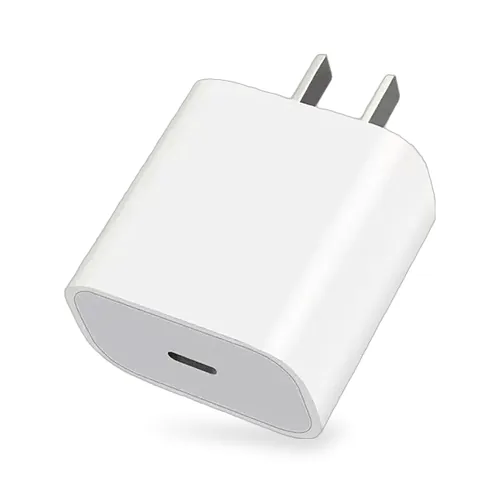
Tocvue supplies a 35W USB-C PD adapter by default; original Apple USB-C PD adapters are also supported, up to the Apple 96W adapter for MacBook (tested).
Alarm host and port count are selected per display. Tocvue supplies a 35W USB-C PD adapter by default; original Apple USB-C PD adapters are also supported, up to the Apple 96W adapter for MacBook (tested). MOQ, warranty and lead time are confirmed for the final configuration.
Complete the display solution with a tablet base or headphone holder. These are optional accessories, not included with SC09_AP.
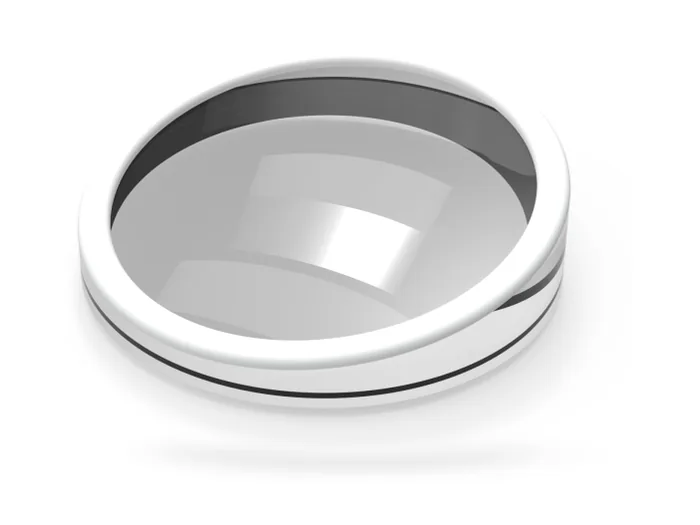
Transparent acrylic tablet base
Available in Ø12 cm and Ø15 cm
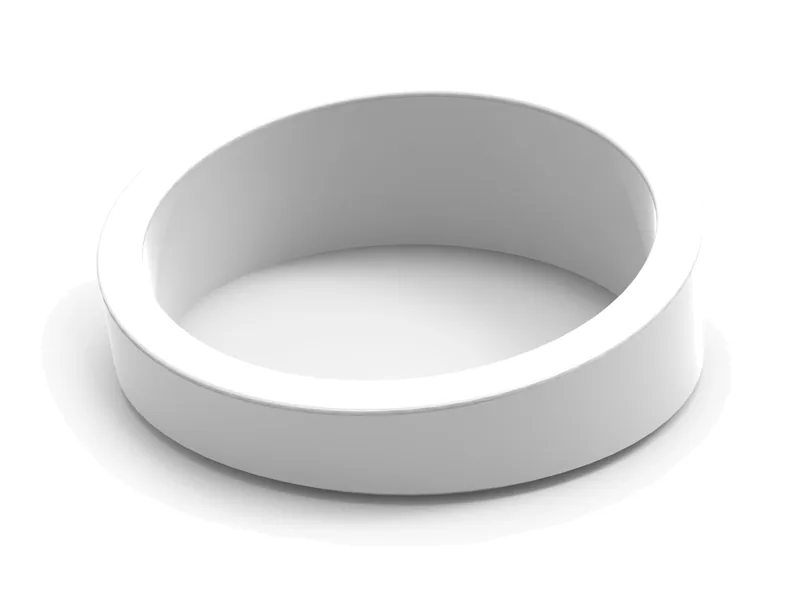
White ceramic tablet base
Available in Ø10 cm and Ø15 cm
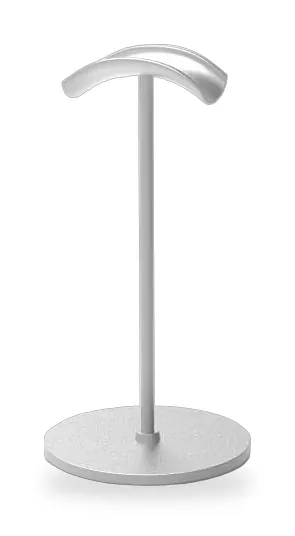
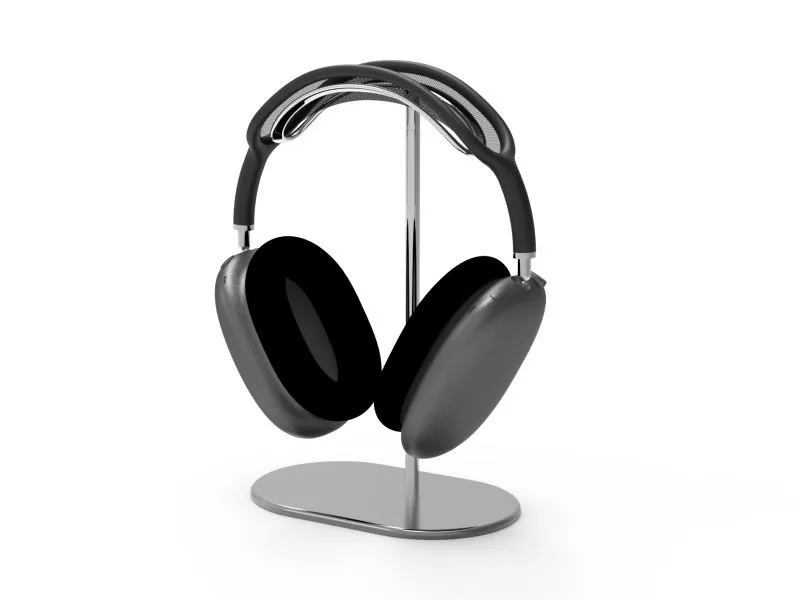
Headphone display holder. Optional AirPods Max support.
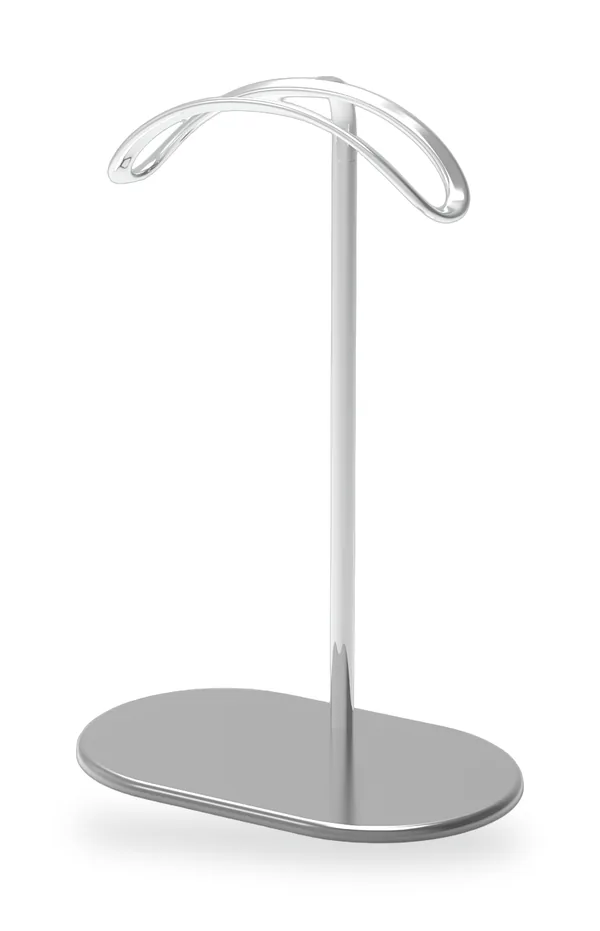
Curved headphone holder. Optional AirPods Max support.
One representative image per model; size variants are listed in the caption.
SC09_AP cable+S-Series alarm+PD adapter+Optional base / holder
USB-C iPad, MacBook and AirPods Max. The device-end USB-C plugs into the charging port of iPad or MacBook, or the USB-C headphone port of AirPods Max, and the round contact sensor attaches to the iPad back, the MacBook lid back or the AirPods Max outer ear cup.
The solution combines the SC09_AP security charging cable, the S-Series multi-port alarm and a USB-C PD power adapter. Tablet bases (HT-06, HT-07) and headphone holders (HE-01, HE-02) are optional accessories, not included with SC09_AP. Alarm host and port count are selected per display. Tocvue supplies a 35W USB-C PD adapter by default; original Apple USB-C PD adapters are also supported, up to the Apple 96W adapter for MacBook (tested).
In normal display the sensor is attached, and the device keeps charging and can be picked up. If the contact sensor is detached or the security cable is cut, the connected S-Series alarm sounds at 100 dB. Staff disarm the alarm with the K9015 remote.
No. SC09_AP carries a charging circuit and a separate contact-sensor security circuit in one cable; the two circuits work independently, so charging does not affect the alarm.
A USB-C PD power adapter is required. Tocvue supplies a 35W USB-C PD adapter by default; original Apple USB-C PD adapters are also supported, up to the Apple 96W adapter for MacBook (tested).
The main cable is 2 m in total from the device-end USB-C to the PD end. The alarm branch is approx. 70 cm and splits off near the PD end. The sensor lead is approx. 13 cm and ends in a round contact sensor.
The S-Series multi-port alarm has one port per device, for up to 8 devices: S400 has 4 ports, S600 has 6 ports and S800 has 8 ports. The alarm output is 100 dB, and the alarm host needs a separate power supply.
No. They are optional accessories. HT-06 is a transparent acrylic tablet base available in Ø12 cm and Ø15 cm; HT-07 is a white ceramic tablet base available in Ø10 cm and Ø15 cm; HE-01 (headphone display holder) and HE-02 (curved headphone holder) are optional AirPods Max supports.
MOQ, warranty and lead time are confirmed for the final configuration. Contact Tocvue through the contact page with your device mix and number of displays.
SC09_AP cable + S-Series alarm + PD adapter + optional base / holder. Tell us your devices and display count.
Apple, iPad, MacBook and AirPods Max are trademarks of Apple Inc. Tocvue is not affiliated with Apple Inc.
Send your device mix and number of displays. We will confirm the configuration and quotation for your project.