
Protect the device before you protect the display.
SecureSwap starts with the AT6055 transparent pull-tab protective film. It creates a replaceable interface between a high-value demo phone and its security accessory—then adds a non-metal tool only for controlled model swaps.
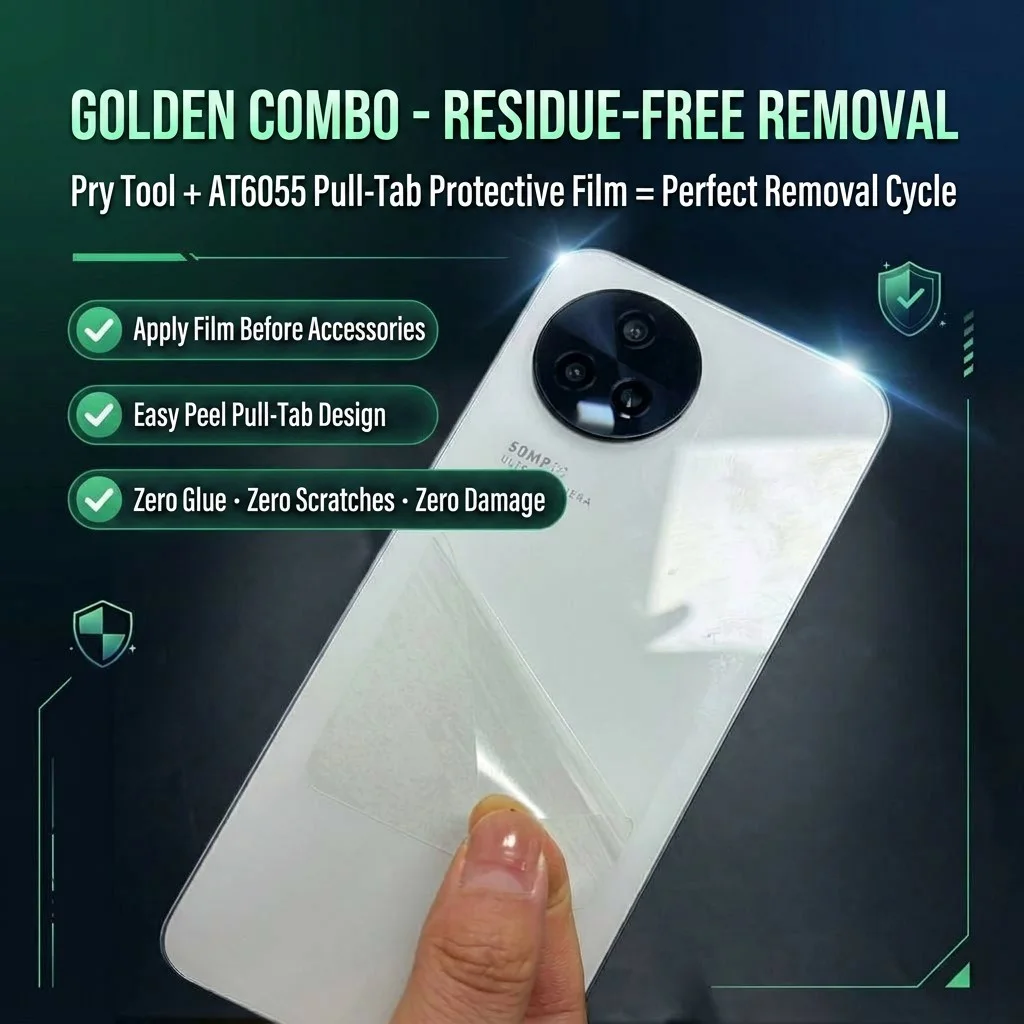
Strong on the sales floor. Controlled when it is time to swap.
High-bond mounting can keep a security attachment stable during daily customer handling. But when a display phone is replaced, improvised removal can leave residue, create cosmetic damage, or turn a reusable device into an avoidable write-off.
AT6055 Protective Film
Apply the transparent pull-tab film to a clean, compatible device surface. It is the protective interface that keeps the display accessory off the phone itself.
Secure on the Film
Install the approved sensor, magnetic puck, contact line, or display accessory on the replaceable protective interface—not directly on the device back.
Controlled Swap
Start at the film pull tab. The orange non-metal tool is only edge assistance when a controlled separation needs it.
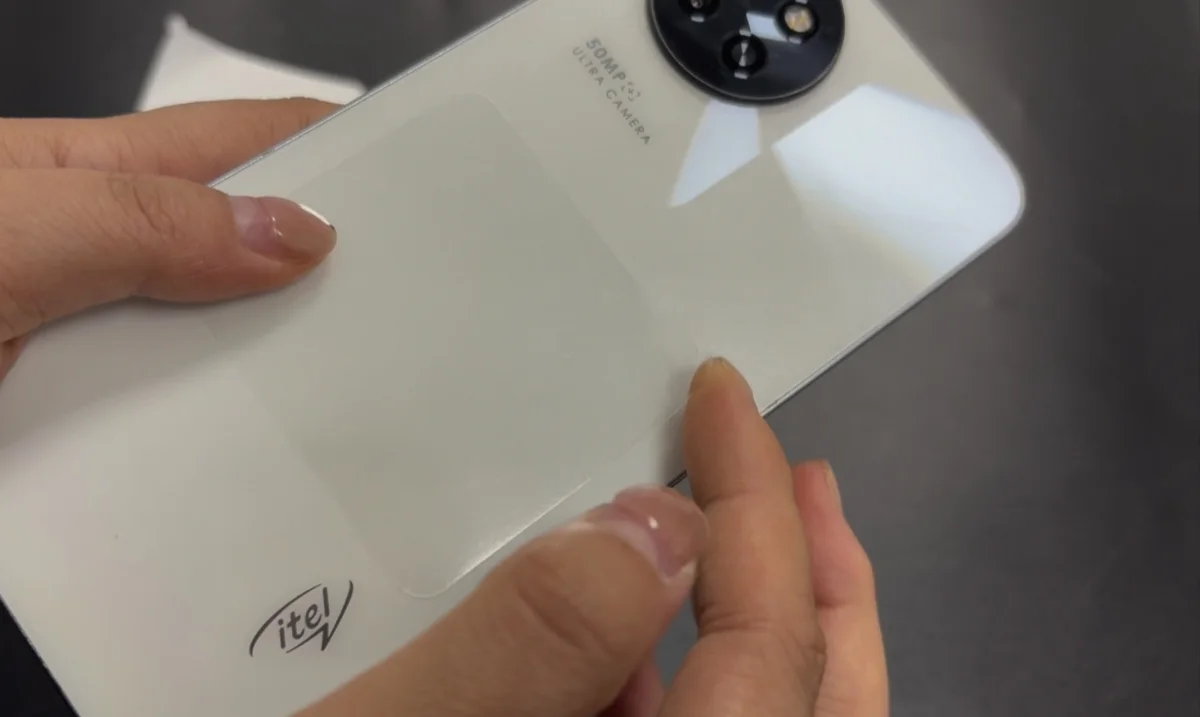
AT6055 transparent pull-tab film: the part that protects the phone.
This is not a generic accessory. The film is the first and most important step in the SecureSwap system: it gives the security accessory a dedicated, replaceable mounting surface while keeping the demo device’s own back surface out of the adhesive-removal event.
- Transparent, low-visual-impact layer: keeps the device presentation clean.
- Built-in pull tab: provides an intended starting point for authorized removal.
- 60 × 55 mm format: sized for common phone security-puck installation zones.
- Designed to work with the tool: the pry tool supports the film-led removal workflow; it does not replace it.
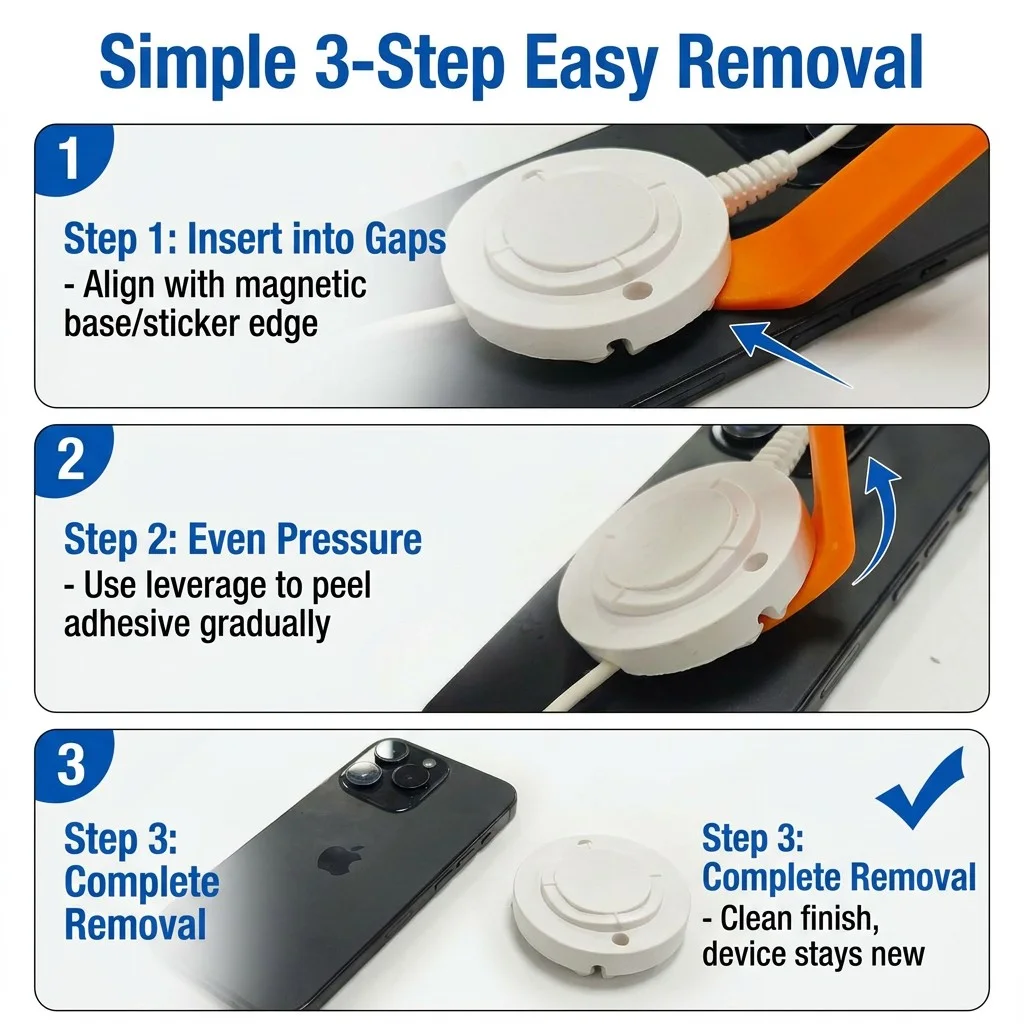
Give every store a repeatable exit route.
Removal should not begin with fingernails, a screwdriver, or a last-minute guess. SecureSwap helps standardize a simple sequence that staff can learn, audit, and repeat across locations.
- Start at the intended point: the pull tab creates a planned removal direction.
- Separate at the edge: a 0.8 mm curved, non-metal tool supports gradual lifting when needed.
- Inspect before reuse: check the device and document exceptions before the phone returns to inventory.
Thin where it needs to enter. Non-metal where it touches the device.
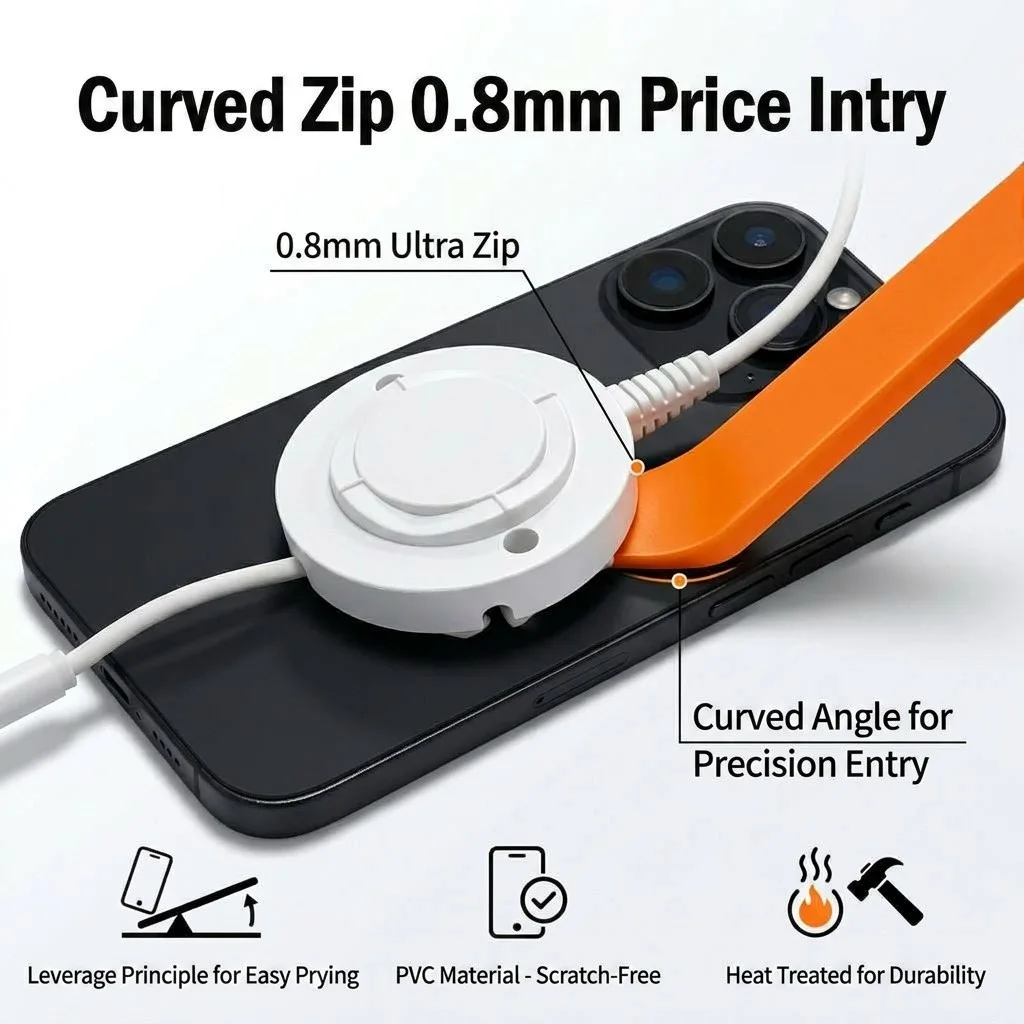
The SecureSwap curved pry tool is built around the narrow gap created during display-accessory removal. Its 0.8 mm tip and non-metal profile are intended to support a gradual, edge-led technique instead of sharp metal leverage against a high-value phone.
- Curved profile for common display security accessories
- High-visibility orange finish for shared store tool stations
- Designed around Titan T10, T20 and T30 workflows, plus compatible attached display accessories
Compatibility and removal technique must be validated for each device surface, repair history, and adhesive configuration.
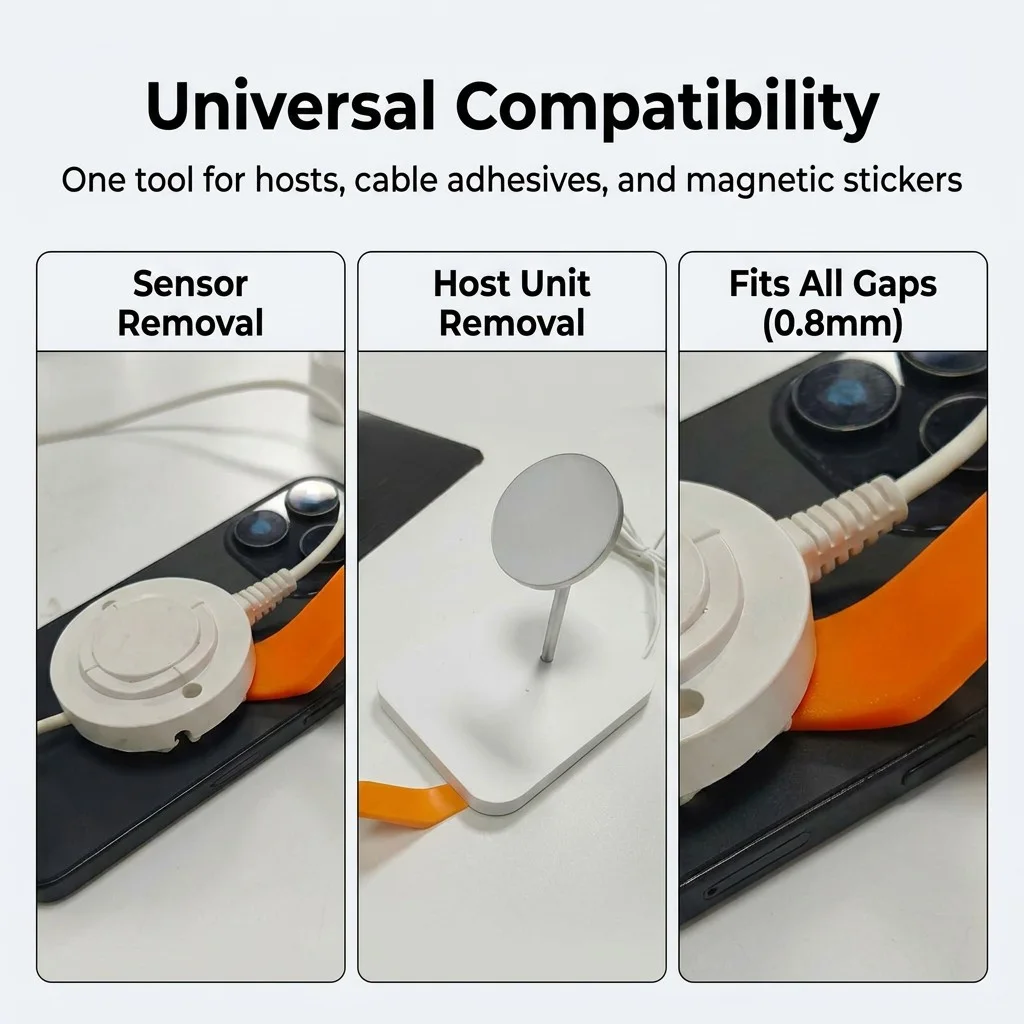
Designed for the moment every store eventually faces: the model swap.
Whether a device is moving to a new display, a different branch, service, refurbishment, or resale, the attachment method affects its next value. SecureSwap adds device-care discipline to the security-display process.
Mobile & carrier stores
Refresh flagship displays without treating each swap as a one-off repair job.
Consumer-electronics retailers
Standardize removal across multiple staff and device categories.
Showrooms & trade displays
Prepare for faster teardown while keeping fixtures and demo units organized.
Make clean removal part of your display specification.
Ask for a SecureSwap Starter Kit, Store Kit, or a Titan display configuration with device-care workflow included.
Request a quote or trial kit